

PUBLISHED05 May 2026
Five top tips for filmmakers: how to maximise your project page
Insights from our Marketing & Communications department
Here at Documentary Australia, we look at dozens of different project pages every week. These are the five things that we’ve noticed seperate a good page from a great one, and help us to amplify your project even further. As the end of financial year approaches, now is the perfect time to get your page in tip top shape!
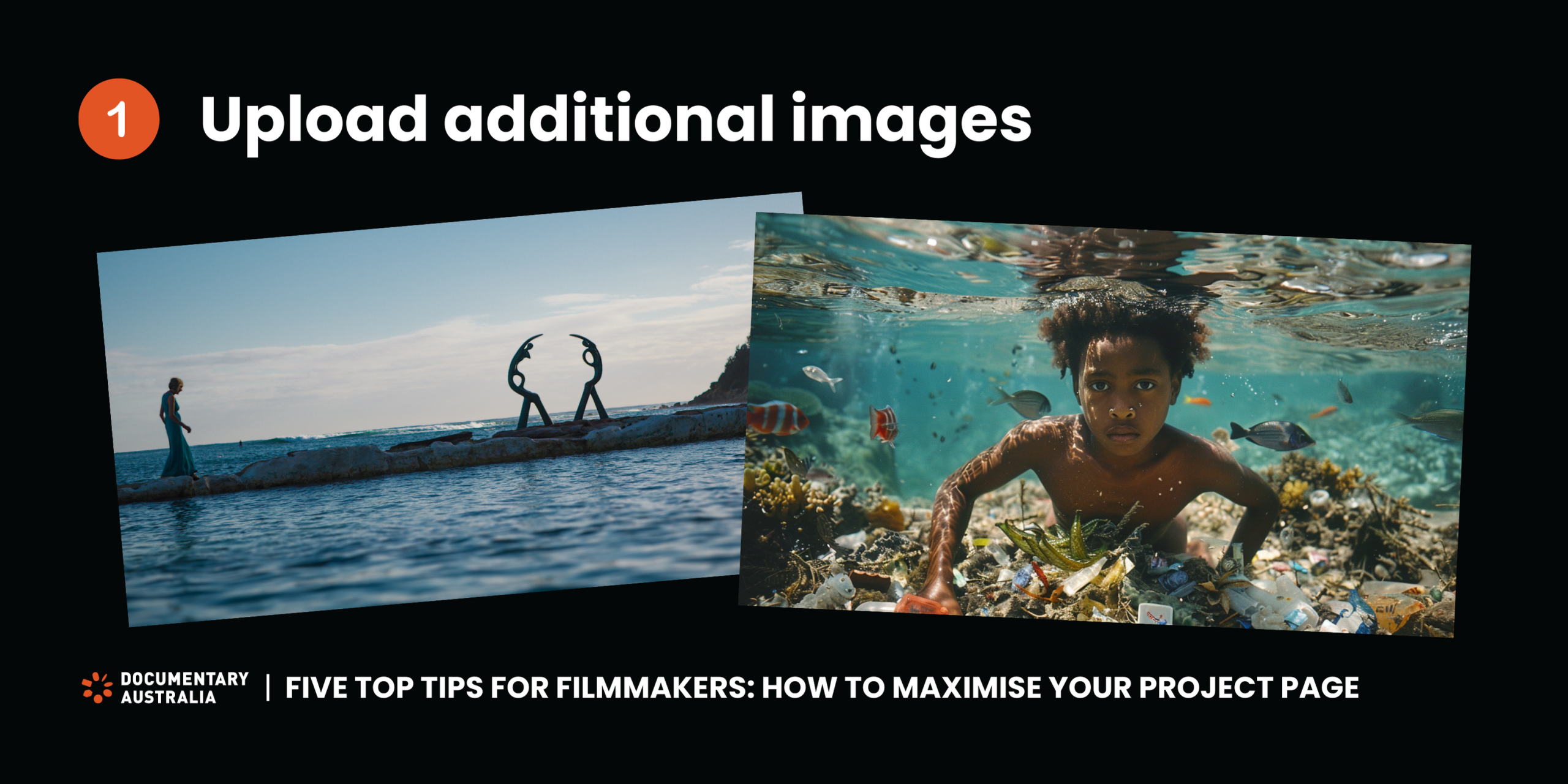
Upload additional images to your project page
Documentary is a powerful way to inspire and move people through visual storytelling. From sweeping landscapes to authentic moments of human connection, there is no shortage of beautiful images. When you’re promoting your project for fundraising, the age-old saying ‘a picture is worth a thousand words’ is a good one to keep in mind. You can upload additional images to your page by logging in and following these steps:
- Go to ‘Manage Projects’ or ‘Linked Projects’
- Click the three dots on the right-hand side of your project line
- Click ‘Manage Image Gallery’
NOTE: When uploading images to your page, please ensure the name of your project is in the image file name.
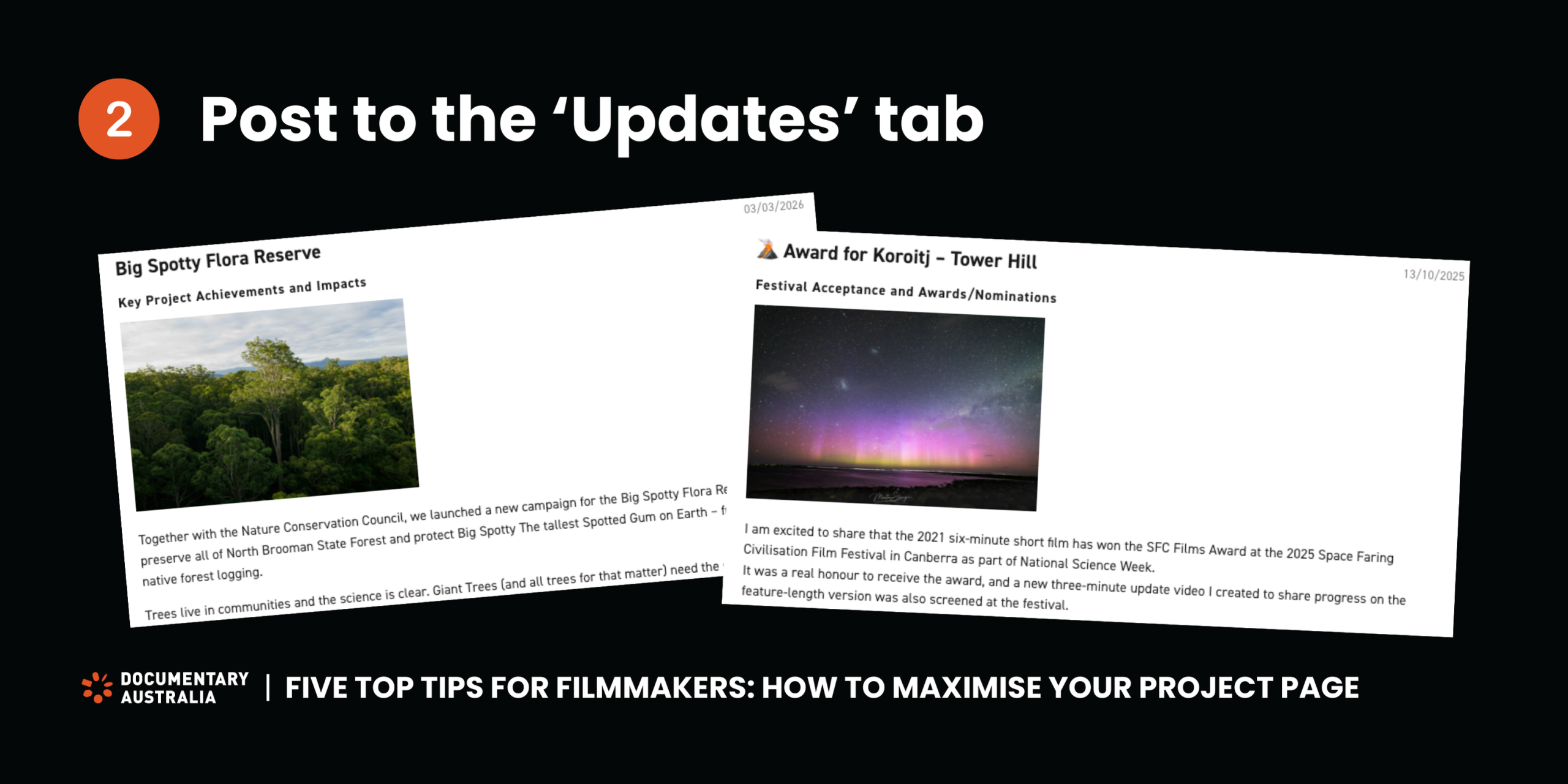
Post to the ‘Updates’ tab on your project page
We love hearing news about the projects we are supporting. It could be about moving into a new stage of production, connecting people with ways to access your film, announcing a festival nomination or award, or providing insight into the impact of your documentary. This type of content is perfect for the ‘Updates’ tab on your page. When you post an update, it can be seen by anyone visiting your page, including existing and potential donors. The updates tab is also used by our team to gather information which can then be amplified on social media and in our newsletters. To post an update on the ‘Updates’ tab, log in and follow these steps:
- Go to ‘Manage Projects’ or ‘Linked Projects’
- Click the three dots on the right-hand side of your project line
- Click ‘Add An Update’
- If you need to edit an update you have already posted, go to ‘View Updates’
NOTE: Whilst your donors can see these updates when they visit your page, they will not be notified that a new update has been posted. To regularly keep your donors in the loop about your project you will need to contact them directly.
Review our logo usage guidelines
Our logo usage guidelines can be easily accessed by downloading the Documentary Australia logo pack from our website. It’s a great idea to communicate that Documentary Australia has approved your project for Fiscal Sponsorship, and that tax-deductible donations can be made via our website. However, it is important that the relationship is accurately represented.
By referring back to our logo usage guidelines regularly, you’ll be able to ensure you’re communicating about Documentary Australia’s support of the project in your comms, donor communications and social media posts without any confusion.

Link your social media channels to your project page, and tag us in your posts
Did you know that you can link directly to your social media channels from your Documentary Australia project page? Not only does this help us stay across any campaigns you might be running on social media, but it also allows anyone visiting your page, including donors, to stay connected as well. To add these links to your page, log in and follow these steps:
- Go to ‘Manage Projects’ or ‘Linked Projects’
- Click the three dots on the right-hand side of your project line
- Click ‘Edit Project’
- Go to ‘Step 3: Project Details’
- Scroll down to the ‘Social media’ section and input your links
If you are posting about your project, feel free to tag us @documentaryaustralia! We love to see the work you are doing to promote your project, and will always try our best to like, comment, share or repost where we can. Make sure you’re also following us on social media to keep up to date with our work, upcoming events and opportunities for filmmakers.

Check that your page is correct and up to date
Has your title changed? Is your fundraising goal correct? Is your sizzle reel displaying as a broken link? Is there a typo in your copy? Double, triple and quadruple check! You should get into the habit of reviewing your page on a regular basis. This level of attention to detail distinguishes the great pages from the good ones, and is crucial when you’re actively fundraising for your project.
It is also important to check that the ‘administrator’ contact for your project is still current. The administrator is Documentary Australia’s main point of contact, so if this person has moved on from the project, or is not the best person for us to be in touch with, you may miss important communications. Please let us know if the administrator for your project has changed.